Stripe: Difference between revisions
No edit summary |
No edit summary |
||
| Line 8: | Line 8: | ||
[https://stripe.com Register here for a Stripe account. ] | [https://stripe.com Register here for a Stripe account. ] | ||
To connect you will | To connect your Stripe Account click on the "Connect to Stripe" button. | ||
If you are using the control panel under your own domain you will not see this button. | |||
Alternatively enter the "Live Secret Key" and the "Live Publishable Key" you can find this information on your Stripe Dashboard, click on your account name (Top Right Corner) and than Account Settings > Api Keys. | |||
Stripe will display the booking reference in a data field called "data-description". | Stripe will display the booking reference in a data field called "data-description". | ||
Revision as of 10:03, 10 October 2017
This page is about the menu SETTINGS->PROPERTIES->PAYMENT COLLECTION->STRIPE
Setup
To use this payment option you will need an account with the payment provider.
Register here for a Stripe account.
To connect your Stripe Account click on the "Connect to Stripe" button.
If you are using the control panel under your own domain you will not see this button.
Alternatively enter the "Live Secret Key" and the "Live Publishable Key" you can find this information on your Stripe Dashboard, click on your account name (Top Right Corner) and than Account Settings > Api Keys.
Stripe will display the booking reference in a data field called "data-description".
Send credit card details to Stripe
If you set "Save all cards to Stripe" = Yes all credit cards including cards supplied by all channels will be sent directly to Stripe and not stored at Beds24.
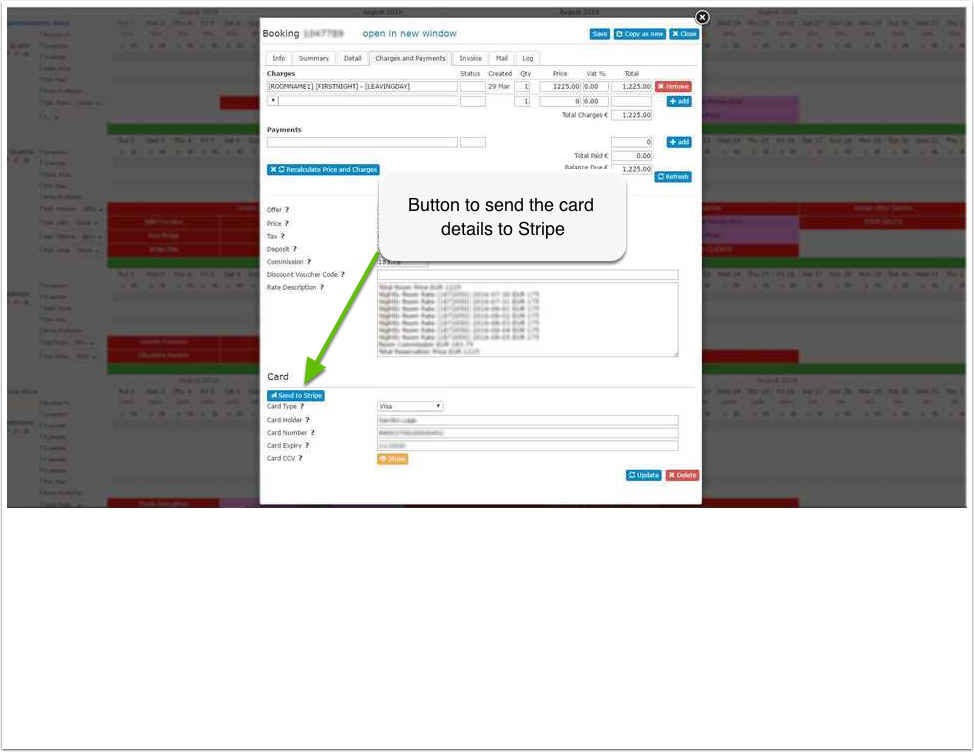
Credit card details can also be sent manually to Stripe.
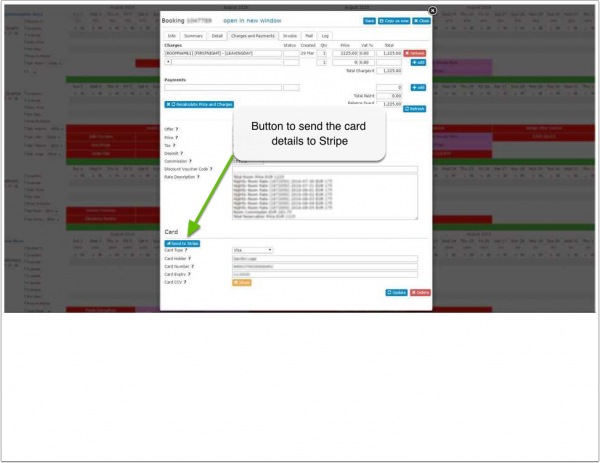
The card will be saved as a new customer in Stripe with the booking number as a reference. Once the new customer is created in Stripe the card can be charged.
Stripe will normally only accept valid cards. If Stripe reject the card, it's details will still be visible at Beds24.
Collect payment
Payments for bookings with deposit collection on the Beds24 booking page will be automatically collected.
Further charges or charges on cards transmitted from OTAs can be made from within the booking or in Stripe.
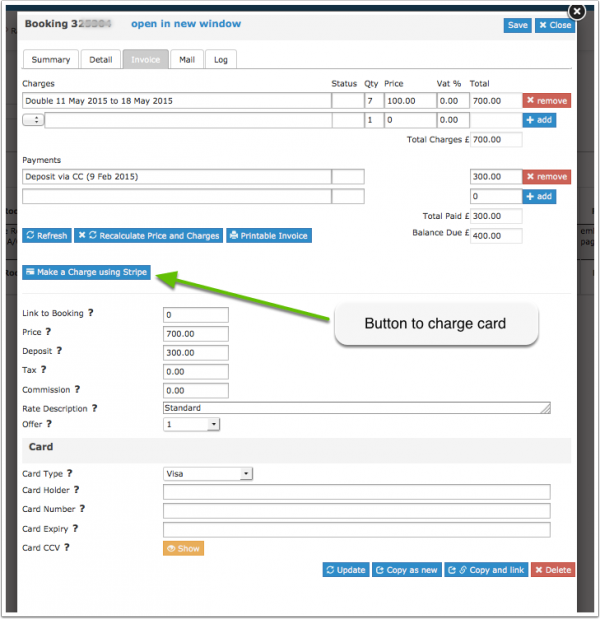
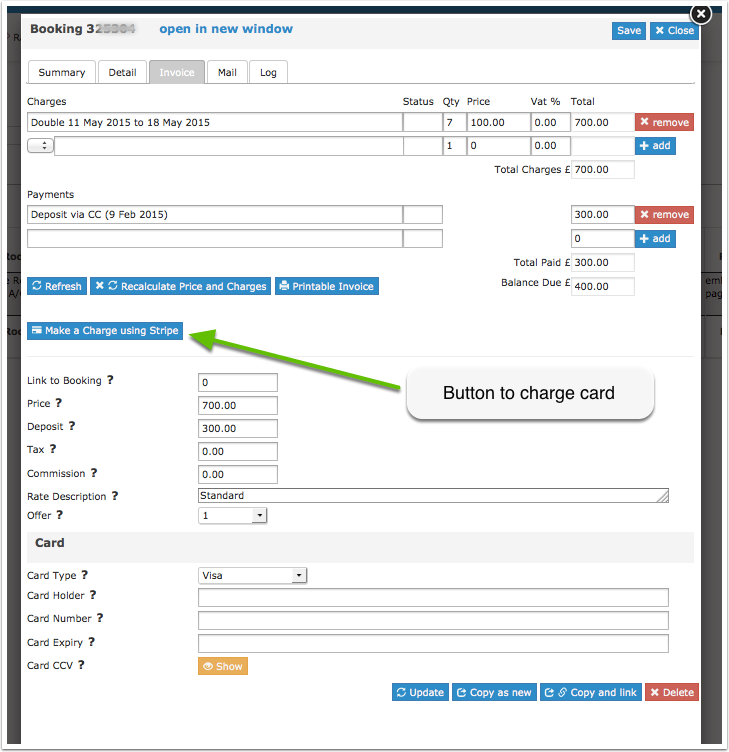
You will see the paid amount in the "Charges and Payements" and "Invoice" tabs of the booking.
Virtual Cards
Virtual cards work the same way as "real" cards. Often virtual cards are only valid for a certain period. For details please ask the channel which provides the card.
Some virtual cards are restricted so that only merchants which are registered as an accommodation business type can charge the virtual card. In this case you need to make sure you are registered as an accommodation business with Stripe.
Refund of Payments in Stripe
Payments can be manually refunded from within the Stripe account. You will also need to enter them manually into the booking.