Group Bookings: Difference between revisions
Jump to navigation
Jump to search
m Annette moved page Title:Group Bookings to Group Bookings |
No edit summary |
||
| Line 4: | Line 4: | ||
Group bookings can be created and managed in the "Invoice" tab of a booking. | Group bookings can be created and managed in the "Invoice" tab of a booking. | ||
A group booking consists of two or more linked individual bookings. | A group booking consists of two or more linked individual bookings. To create a group booking click on "Add Booking". Fill in the guest details and click "Continue". Then go to the "Details" tab of the booking and set the "Quantity". If required you can then make individual changes to each booking. | ||
[[Image:Invoice1.png|500px|link=]] | [[Image:Invoice1.png|500px|link=]] | ||
Revision as of 10:36, 27 January 2016
This page explains how to create and manage group bookings
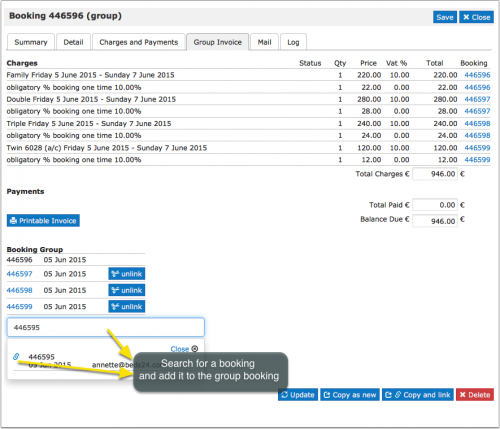
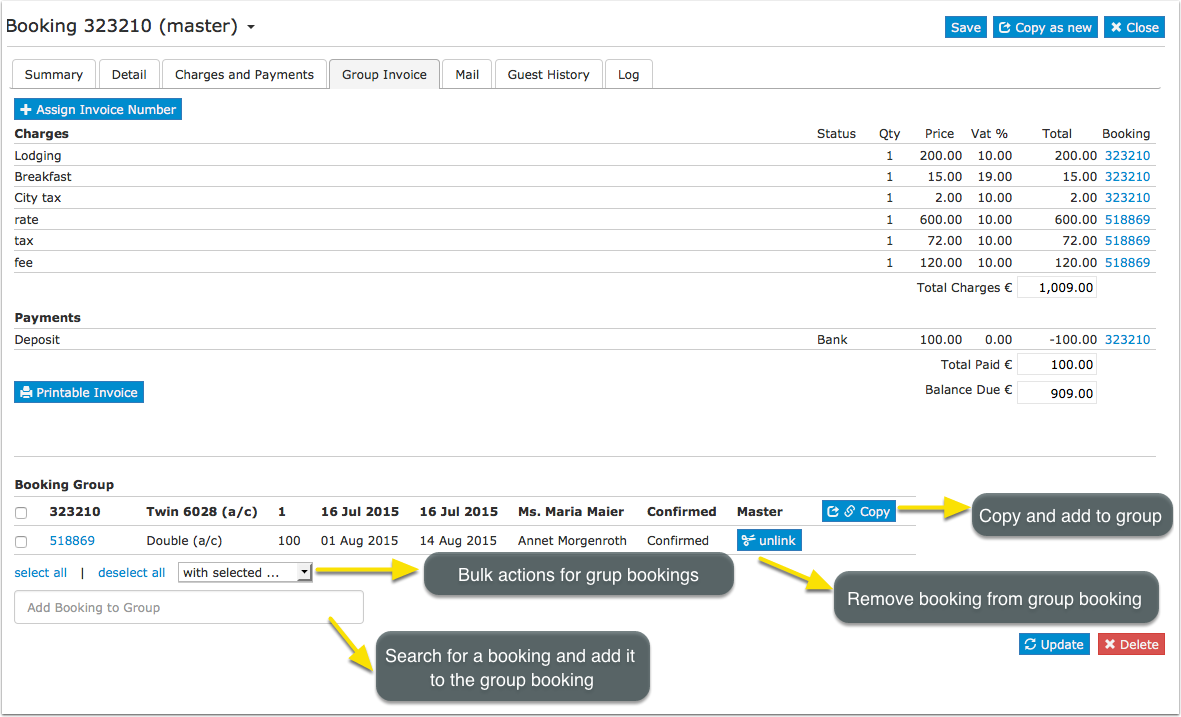
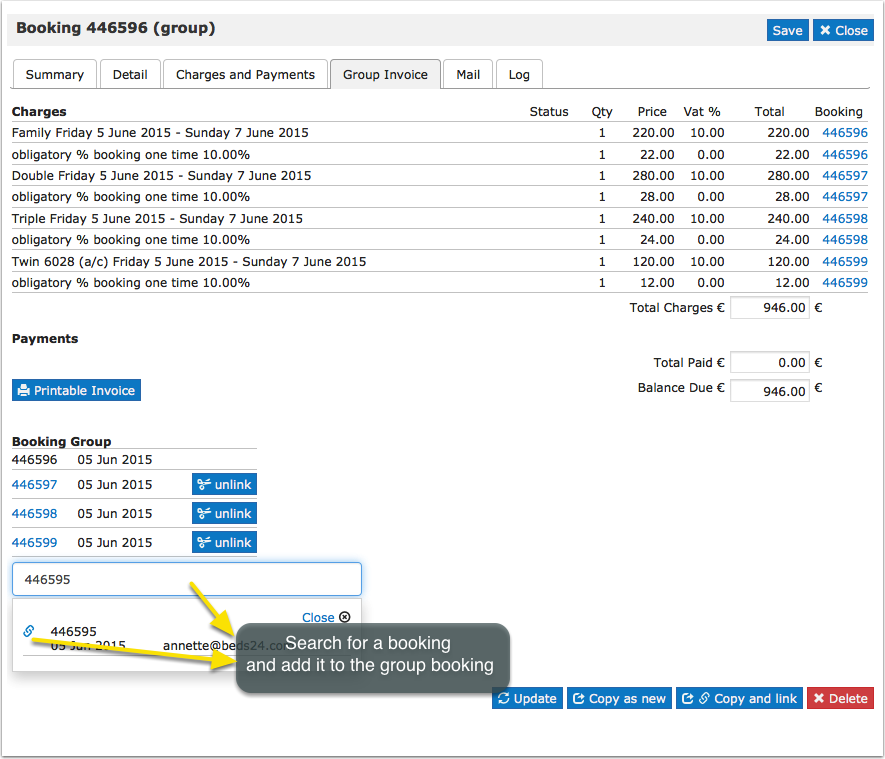
Group bookings can be created and managed in the "Invoice" tab of a booking.
A group booking consists of two or more linked individual bookings. To create a group booking click on "Add Booking". Fill in the guest details and click "Continue". Then go to the "Details" tab of the booking and set the "Quantity". If required you can then make individual changes to each booking.
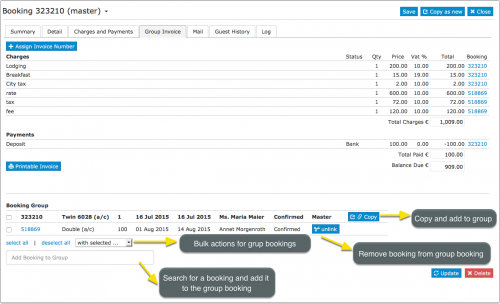
Individual bookings can be added to or removed from group bookings.