Cleaning and Housekeeping: Difference between revisions
No edit summary |
No edit summary |
||
| Line 28: | Line 28: | ||
== Customise status presets == | == Customise status presets == | ||
The default statuses can be changed in SETTINGS->ACCOUNT->PREFERENCES under "Unit Status Presets". | The default statuses can be changed in SETTINGS->ACCOUNT->PREFERENCES under "Unit Status Presets". | ||
==Closure for maintenance== | |||
There are several options: | |||
*Add a booking with the status "Black" for the period the room is under maintenance. | |||
*Reduce the inventory in the CALENDAR to 0 | |||
*If you want to close the whole property set an "Exceptional booking period" = Blackout in SETTINGS->PROPERTIES->BOOKING RULES. | |||
== Log in for Cleaners== | == Log in for Cleaners== | ||
Additional user log ins can be created under SUB ACCOUNT (top right menu). The roles "Cleaner" and "Cleaner Manager" have restricted access to the control panel. | Additional user log ins can be created under SUB ACCOUNT (top right menu). The roles "Cleaner" and "Cleaner Manager" have restricted access to the control panel. | ||
Revision as of 14:48, 28 October 2019
Manage from DASHBOARD
The component "Units" shows you an overview on your units. You can change the status and add a note if required. The changes you make in this component will reflect in the CALENDAR.
Note: If you are using the old version of the dashboard click on the "Try it" link. If you want to change back to the old version click on the hamburger menu and then on "Original Dashboard".
Manage from CALENDAR
In the CALENDAR you have the option to add a note to a unit or a status value. Preset unit status values can be defined in SETTINGS->ACCOUNT->PREFERENCES. Note that only the account owning a property can change the status. To use this feature SETTINGS->ACCOUNT->PREFERENCES "Calendar Style" should be set to "All Units". Only the account owning a property can change the status.
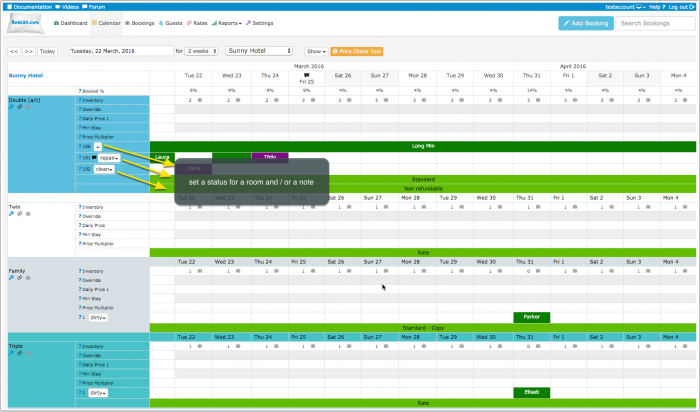
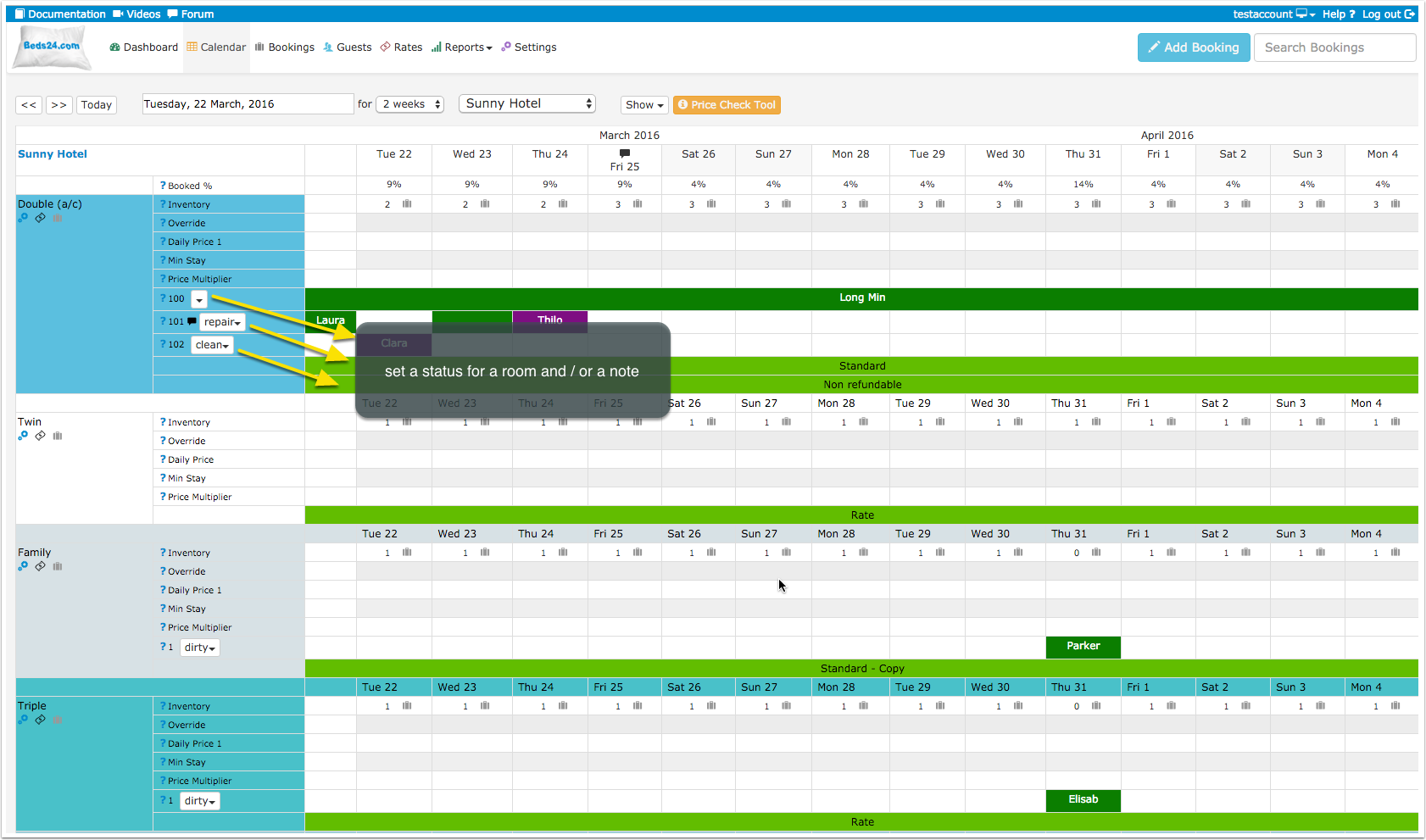
You can also add a note to store information for a room.
If you do not need the status selector your can hide it. Go to SUB ACCOUNTS (top right menu) click on "Manage Account" and enter calendar-unitstatus in the "Hide menu pages" field.
Reports
Under REPORTS there are several reports which are designed to manage cleaning and housekeeping.
Automation
If you want to automate the process you can set up an Auto Action which automatically changes the unit status when a guest arrives.
Customise status presets
The default statuses can be changed in SETTINGS->ACCOUNT->PREFERENCES under "Unit Status Presets".
Closure for maintenance
There are several options:
- Add a booking with the status "Black" for the period the room is under maintenance.
- Reduce the inventory in the CALENDAR to 0
- If you want to close the whole property set an "Exceptional booking period" = Blackout in SETTINGS->PROPERTIES->BOOKING RULES.
Log in for Cleaners
Additional user log ins can be created under SUB ACCOUNT (top right menu). The roles "Cleaner" and "Cleaner Manager" have restricted access to the control panel.