Offer One: Difference between revisions
Jump to navigation
Jump to search
No edit summary |
No edit summary |
||
| Line 4: | Line 4: | ||
''This page is about the menu SETTINGS-> PROPERTIES -> OFFERS'' | ''This page is about the menu SETTINGS-> PROPERTIES -> OFFERS'' | ||
An offer is the price combined with certain conditions. Each room/unit has one or more offers. "Offer 1" is your standard offer to the guest which is always displayed unless you hide it. | An offer is the price combined with certain conditions. Each room/ rented unit has one or more offers. "Offer 1" is your standard offer to the guest which is always displayed unless you hide it. | ||
You have the option to sell a room at up to four different prices eg. packages, promotions or discounted conditional rates. | You have the option to sell a room at up to four different prices eg. packages, promotions or discounted conditional rates. | ||
Revision as of 13:34, 7 January 2020
This page is about the menu SETTINGS-> PROPERTIES -> OFFERS
An offer is the price combined with certain conditions. Each room/ rented unit has one or more offers. "Offer 1" is your standard offer to the guest which is always displayed unless you hide it.
You have the option to sell a room at up to four different prices eg. packages, promotions or discounted conditional rates.
This example shows one room which shows offer 1 only (the default) and one room for which one additional offer is set up:
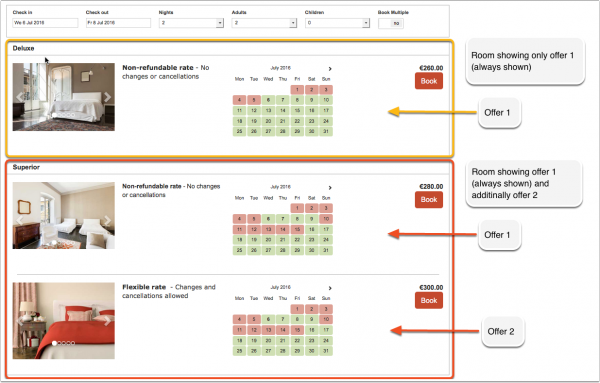
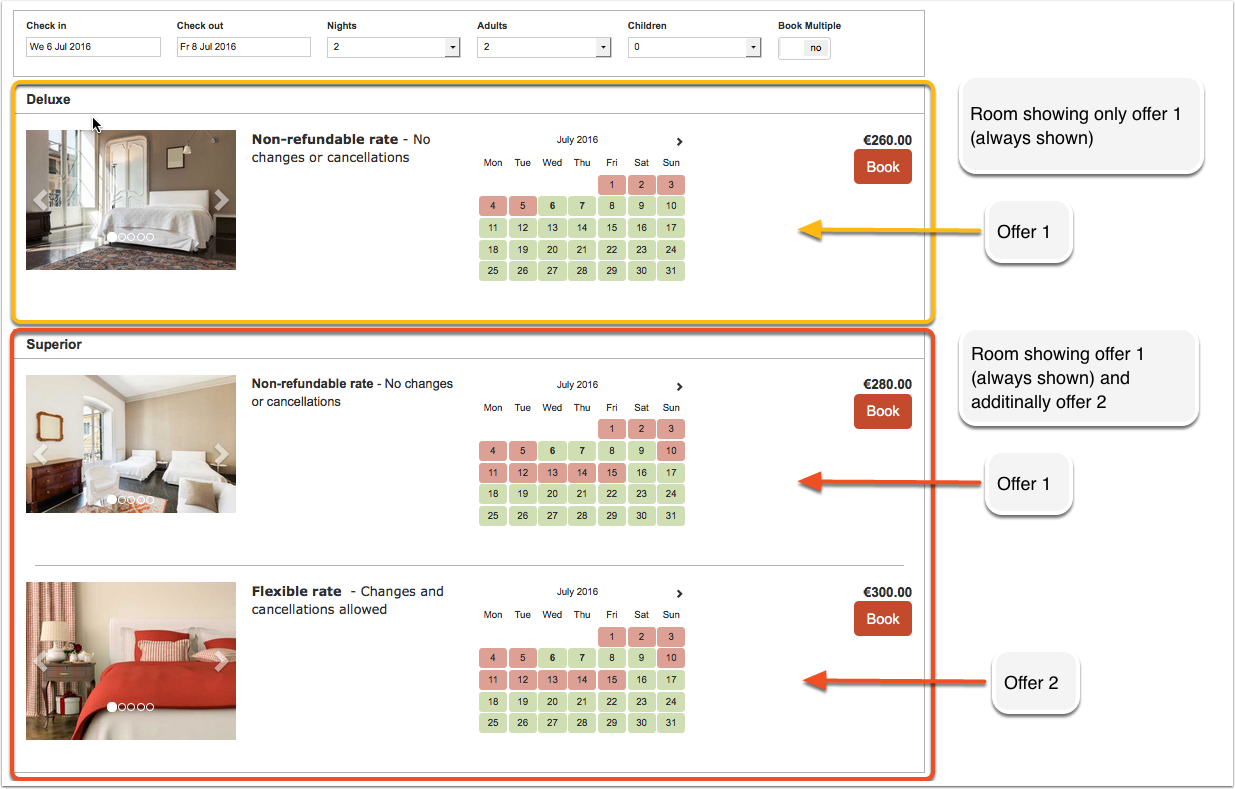
Additional offers can show your guests alternative price options for example refundable/non refundable or packages. To activate additional offers go to SETTINGS-> PROPERTIES -> OFFER 2-4.