Switch from another channel manager: Difference between revisions
Jump to navigation
Jump to search
No edit summary |
No edit summary |
||
| Line 24: | Line 24: | ||
*To ''Add Bookings'' or blocked dates manually click on the suitcase icon in the CALENDAR or on the "Add Booking" link in the BOOKINGS menu. | *To ''Add Bookings'' or blocked dates manually click on the suitcase icon in the CALENDAR or on the "Add Booking" link in the BOOKINGS menu. | ||
*If you are comfortable working with .csv you can upload bookings into Beds24 using our API (https:// | *If you are comfortable working with .csv you can upload bookings into Beds24 using our API (https://api.beds24.com). Bookings must have a checkin between 1 year in the past and 5 years in the future. You will see the instructions when you click on putBookingCSV (https://api.beds24.com/csv/putbookingscsv.php). To use the API you need to allow API access in SETTINGS -> ACCOUNT -> ACCOUNT ACCESS | ||
=Connect Channel Manager= | =Connect Channel Manager= | ||
Revision as of 10:52, 9 September 2020
Switching to Beds24
This page explains how to switch from another Channel Manager or PMS to Beds24
Set Up Property / Properties
Import from Airbnb
If you have a listing on Airbnb you can import it and create a new property with a new room or add a room in a property you already have in Beds24. Click here for instructions.
Import from Booking.com
You can import your property from Booking.com to Beds24.
Import via Beds24 API
The functions are documented directly in the API.
Manual Creation
Use this help page for instructions on how to manually set a property up.
Enter Existing Bookings
To avoid double bookings it is advisable to enter the bookings you already have. You have different options:
- For Booking.com, Airbnb and Expedia we have the option to automatically import all upcoming bookings. We recommend to use this method because for bookings imported directly from Booking.com we will then be able to automatically import changes. You can use this function when the channel manager is set up but not activated. The button is available in SETTINGS->CHANNEL MANAGER->AIRBNB XML/BOOKING.COM/EXPEDIA.
- In CALENDAR you will find a row INVENTORY. The number shows rooms remaining to sell. They can be edited to quickly change your availability. Doubleclick to open a popup and save the changes. (it is only possible to lower the number based on the value in Settings > Properties > Rooms > Setup > Quantity of this type and any existing bookings)
- To Add Bookings or blocked dates manually click on the suitcase icon in the CALENDAR or on the "Add Booking" link in the BOOKINGS menu.
- If you are comfortable working with .csv you can upload bookings into Beds24 using our API (https://api.beds24.com). Bookings must have a checkin between 1 year in the past and 5 years in the future. You will see the instructions when you click on putBookingCSV (https://api.beds24.com/csv/putbookingscsv.php). To use the API you need to allow API access in SETTINGS -> ACCOUNT -> ACCOUNT ACCESS
Connect Channel Manager
Set up the channel manager to synchronise your sales channels.
Set Up Commonly used Functions
On this help page you can find further instructions.
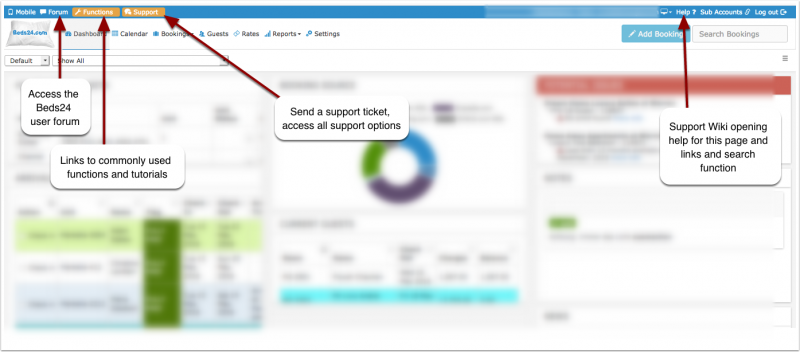
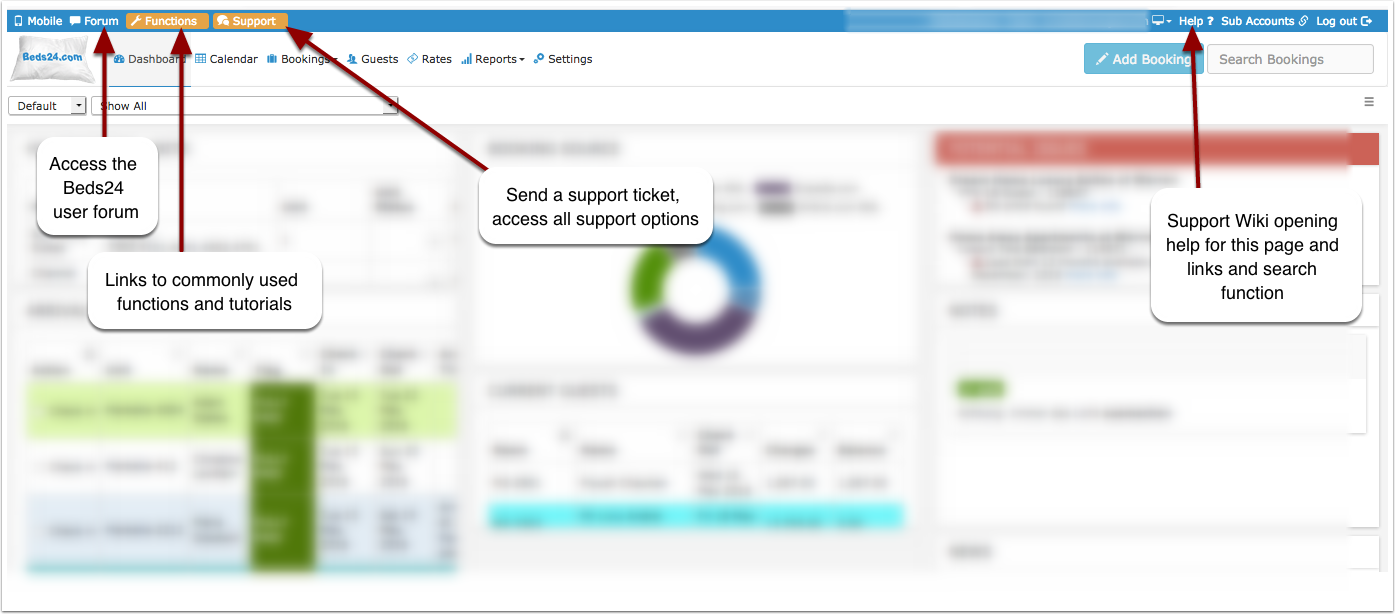
When you click on FUNCTIONS in SUPPORT you will see links to the menu pages of key features and functions.
In the old control panel: