Private Label Booking Page: Difference between revisions
Jump to navigation
Jump to search
No edit summary |
No edit summary |
||
| Line 8: | Line 8: | ||
[[Image:Go-to-SUB-ACCOUNT.png|700px|link=]] | [[Image:Go-to-SUB-ACCOUNT.png|700px|link=]] | ||
[[Media:Go-to-SUB-ACCOUNT.png|view large]] | [[Media:Go-to-SUB-ACCOUNT.png|view large]] | ||
*click on MANAGE ACCOUNT | *click on MANAGE ACCOUNT | ||
Revision as of 15:50, 29 January 2015
This page explains how to use your own domain name for your booking page
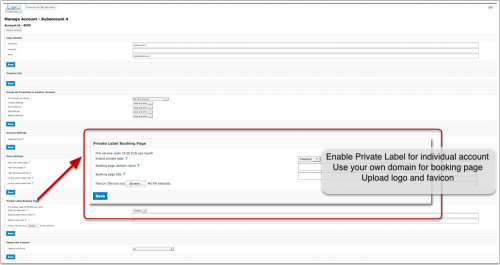
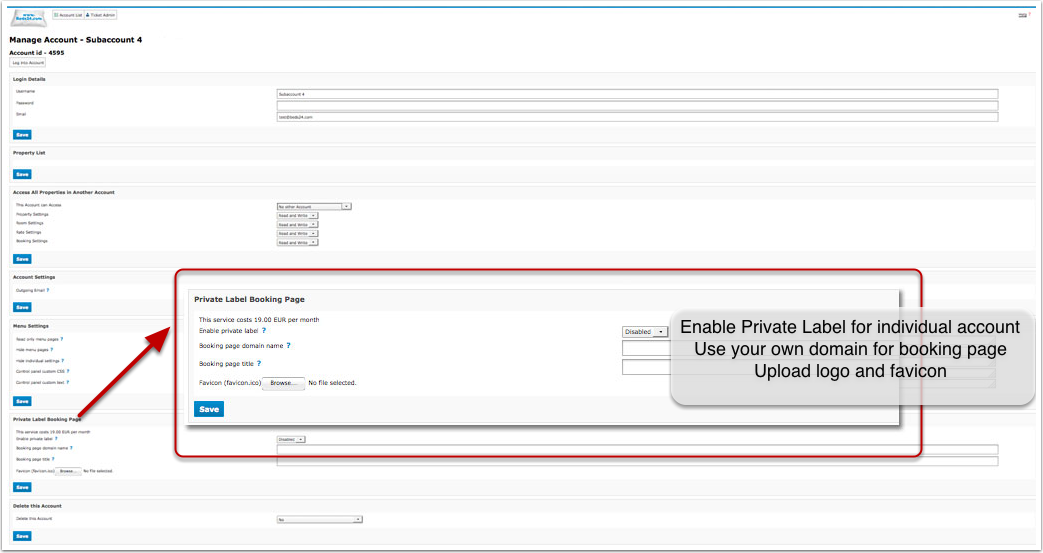
Private label booking page removes the "Powered by Beds24 link" and allows you to host the booking page with your own domain name e.g. bookings.mydomain.com. To set a private label booking page:
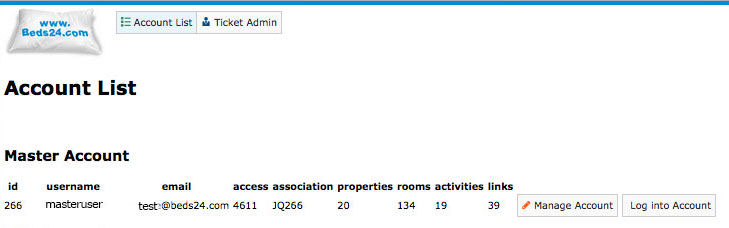
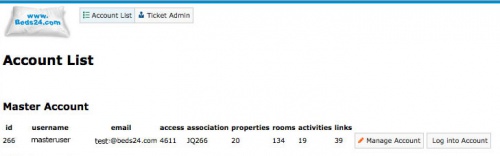
- go to SUB ACCOUNTS in the top right menu the

- click on MANAGE ACCOUNT
- enter the name of the subdomain you want to use ( e.g. bookings.mydomain.com) in the section "Private Label Booking Page"
- set to "Enable"
- If you need a secure page you will need SSL. Click here for more information
Please note that a fee applies if you want to use this feature. You can see the fee in SUB ACCOUNTS -> MANAGE ACCOUNT