Responsive Booking Page: Difference between revisions
No edit summary |
No edit summary |
||
| Line 17: | Line 17: | ||
NOTE: If you select "Booking Page Version" = Responsive your live web site will change to the new design. If you just want to have a look you can do this adding &version=3 to the URL of your booking page. To see the different layouts also add the layout number eg. &version=3&layout=2 will show you layout 2. Alternatively you can copy your property and use the copy for testing. If you do this make sure all channel manager connections are deactivated in the copy property. The normal monthly fee will apply for additional rooms so you might want to reduce the number of rooms in the copy property. | NOTE: If you select "Booking Page Version" = Responsive your live web site will change to the new design. If you just want to have a look you can do this adding &version=3 to the URL of your booking page. To see the different layouts also add the layout number eg. &version=3&layout=2 will show you layout 2. Alternatively you can copy your property and use the copy for testing. If you do this make sure all channel manager connections are deactivated in the copy property. The normal monthly fee will apply for additional rooms so you might want to reduce the number of rooms in the copy property. | ||
== Pictures == | |||
To upload pictures and assign them to modules go to SETTINGS->BOOKING PAGE->PICTURES | |||
== Choose a different Layout== | == Choose a different Layout== | ||
| Line 50: | Line 53: | ||
Room Bottom: Picture Slider, Description]] </li> | Room Bottom: Picture Slider, Description]] </li> | ||
</ul></div> | </ul></div> | ||
== 'Customise Layouts''' == | |||
Go to SETTINGS->BOOKING PAGE->PAGE DESIGN->LAYOUT. Choose the layout you want to use and click on "Customise". | Go to SETTINGS->BOOKING PAGE->PAGE DESIGN->LAYOUT. Choose the layout you want to use and click on "Customise". | ||
== Choose what you want to show == | === Choose what you want to show === | ||
The responsive booking page consists of sections: | The responsive booking page consists of sections: | ||
"Offer" contains the standard offer for a room or unit. | "Offer" contains the standard offer for a room or unit. | ||
| Line 124: | Line 127: | ||
NOTE: Some of these settings might be moved. This help page will always have the current location for each setting. | NOTE: Some of these settings might be moved. This help page will always have the current location for each setting. | ||
== Colors and Fonts == | === Colors and Fonts == | ||
To customise colors and fonts go to SETTINGS->BOOKING PAGE->PAGE DESIGN->STYLE | To customise colors and fonts go to SETTINGS->BOOKING PAGE->PAGE DESIGN->STYLE | ||
== Behaviour == | === Behaviour === | ||
Changes on how the booking page opens and closes can be made in SETTINGS->BOOKING PAGE->PAGE DESIGN->BEHAVIOUR | Changes on how the booking page opens and closes can be made in SETTINGS->BOOKING PAGE->PAGE DESIGN->BEHAVIOUR | ||
Revision as of 10:46, 23 November 2015
This function is currently in beta testing. If you want to participate in the test send us a support ticket
This page explains how to use and customise the responsive version (beta) of the booking page.
The design of the responsive booking page is fully modular. This allows you to fully control the layout. We provide a set of default layouts which can be used as they are.
Use Responsive Booking Page
Go to SETTINGS->BOOKING PAGE and select "Booking Page Version" = Responsive. This setting will activate Layout 1.
When you change from adaptive to responsive you need to assign your pictures again. Go to SETTINGS->BOOKING PAGE->PICTURES. Set the selector to the room then choose "Offer 1" and activate the picture/pictures you want to display. If you are using more than one offer repeat for each.
NOTE: If you select "Booking Page Version" = Responsive your live web site will change to the new design. If you just want to have a look you can do this adding &version=3 to the URL of your booking page. To see the different layouts also add the layout number eg. &version=3&layout=2 will show you layout 2. Alternatively you can copy your property and use the copy for testing. If you do this make sure all channel manager connections are deactivated in the copy property. The normal monthly fee will apply for additional rooms so you might want to reduce the number of rooms in the copy property.
Pictures
To upload pictures and assign them to modules go to SETTINGS->BOOKING PAGE->PICTURES
Choose a different Layout
Go to SETTINGS->BOOKING PAGE->PAGE DESIGN->LAYOUT and set the selector to the layout you want to use as your standard layout.
-
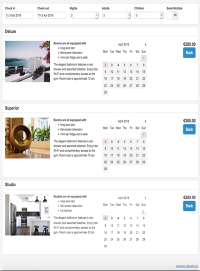
Layout 1
Modules:
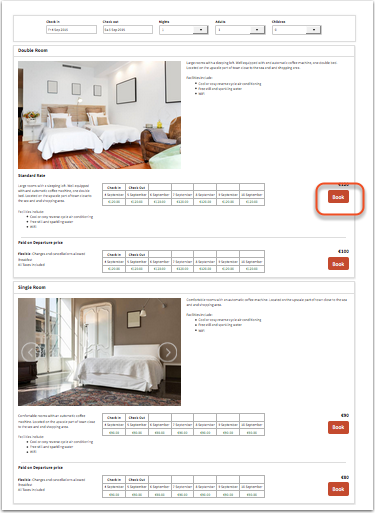
Offer: Picture Slider, Description 1 , Calendar, Booking Button/Selector, Description 2
Property Bottom: Description 2 -
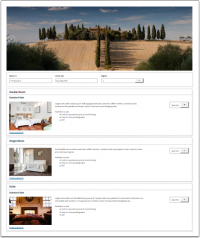
Layout 2
Modules:
Property Top: Picture Slider
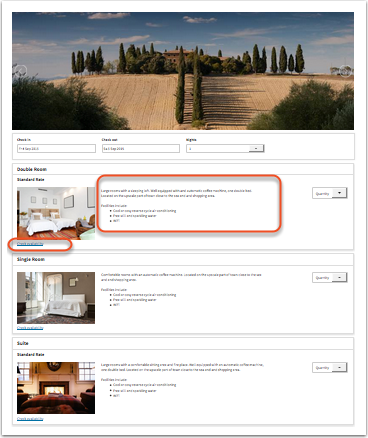
Offer: Booking Button/Selector, Price Table
Property Bottom: Description 2 -
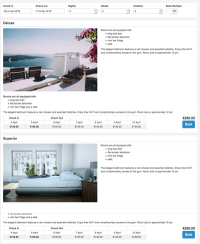
Layout 3
Modules:
Offer: Price Table, Booking Button/Selector, Picture Slider, Description 2
Property Bottom: Description 2


-
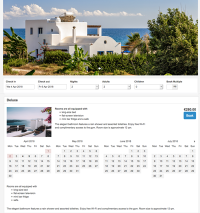
Layout 4
Modules:
Room Top: Picture Slider
Offer: Picture, Description 1 , Calendar, Booking Button/Selector, Description 2
Property Bottom: Description 2 -
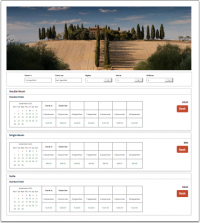
Layout 5
Modules:
Property Top: Picture Slider
Offer: Price Calendar, Booking Button/Selector
Property Bottom: Description 2 -
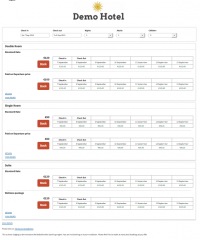
Layout 6
Modules:
Property Top: Description 1
Offer: Booking Button/Selector, Price Table
Room Bottom: Picture Slider, Description


'Customise Layouts
Go to SETTINGS->BOOKING PAGE->PAGE DESIGN->LAYOUT. Choose the layout you want to use and click on "Customise".
Choose what you want to show
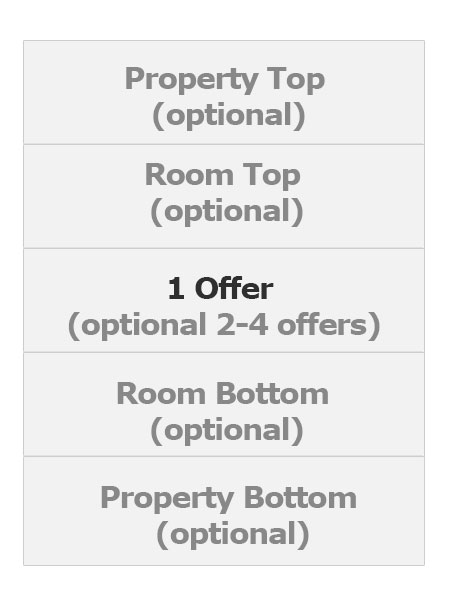
The responsive booking page consists of sections: "Offer" contains the standard offer for a room or unit.
- One offer will always be shown
- Additional offers (for example for alternative non refundable prices or packages) are optional
- All other sections are optional.
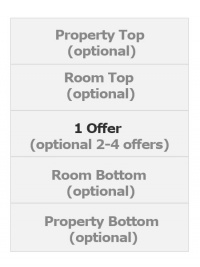
For each section you can choose from a set of modules.
Property modules
-
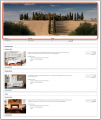
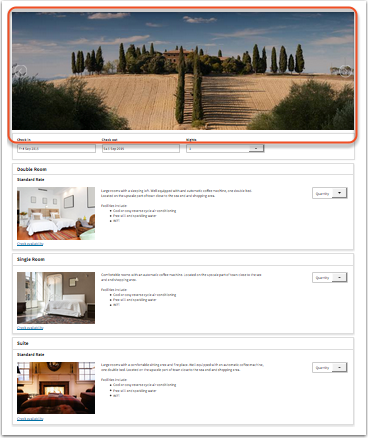
Property Slider
view large -
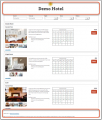
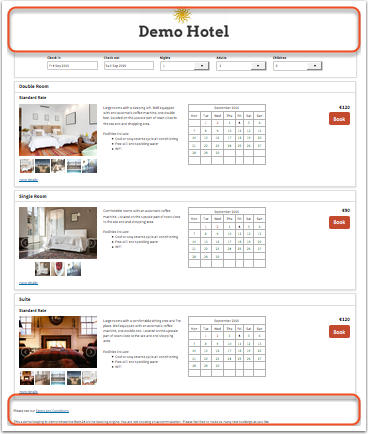
Property Description
view large


Room modules
-
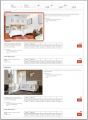
Room Slider
view large -
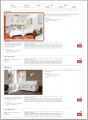
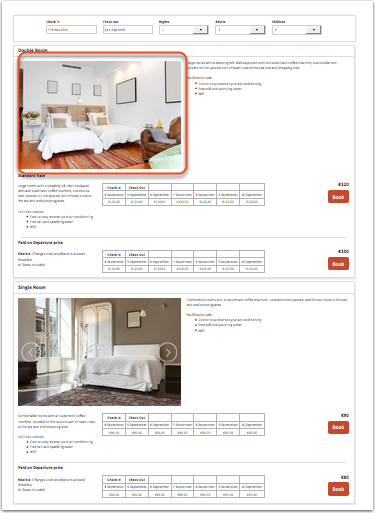
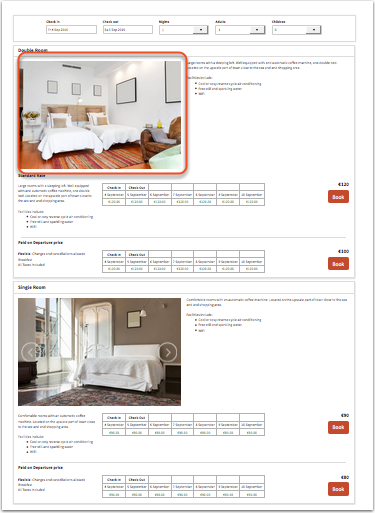
Room Picture
view large -
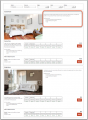
Room Description
view large


Offer modules
-
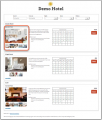
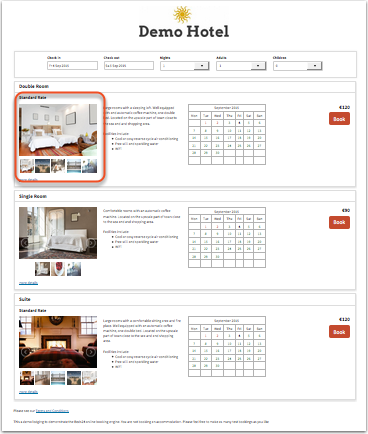
Offer Slider
view large -
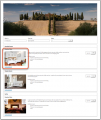
Offer Picture
view large -
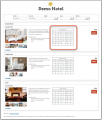
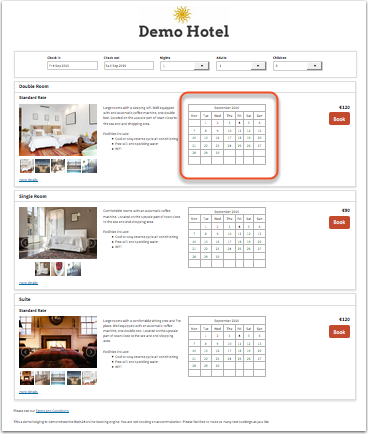
Offer Calendar
view large -
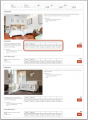
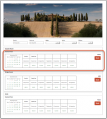
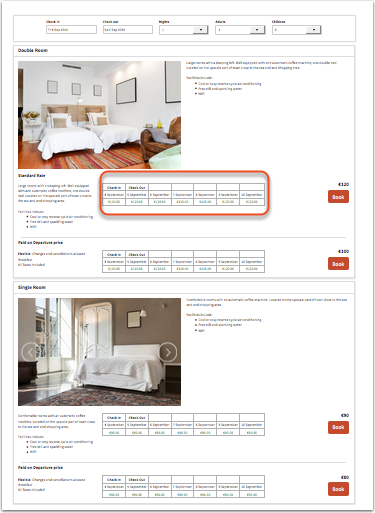
Price Table
prices will only display if booking of multiple rooms is not allowed
view large -
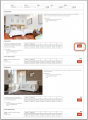
Price Calendar
prices will only display if booking of multiple rooms is not allowed
view large -
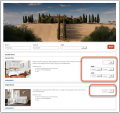
Button
view large -
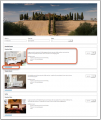
Select
(multi room booking)
view large -
Offer Description
view large






Note: Offer Calendars and Price Calendars can not be used in the same layout.
Position: Modules are placed in rows. Each section can have one or more rows.
Width on desktop and mobile: Each row which consists of 12 columns. The number of columns defines the width of the module.
 view large

All "Description" Modules allow to enter text or html content.
Click on "Manage" to customise the settings of a module. All modules can be set to always display or to be available via a link.
If you have activated one or more of these modules:
- Room Description 1 ("Room more Details" on the adaptive booking page)
- Offer Description 1 ("Offer Summary" on the adaptive booking page)
- Offer Description 2 ("Offer more Details" on the adaptive booking page)
- Marketing Column
Go to SETTINGS->BOOKING PAGE->ROOM CONTENT to enter the content for the modules.
If you have activated one or more of these modules:
- Property Description 1 ("Header" on the adaptive booking page)
- Property Description 2 ("Footer" on the adaptive booking page)
- Property Description - Booking Page 1 ("Property Summary Description " on the adaptive booking page)
- Property Description - Booking Page 3 ("Price Calendar Header " on the adaptive booking page)
Go to SETTINGS->BOOKING PAGE->PAGE DESIGN->CONTENT and enter the content of the module
NOTE: Some of these settings might be moved. This help page will always have the current location for each setting.
= Colors and Fonts
To customise colors and fonts go to SETTINGS->BOOKING PAGE->PAGE DESIGN->STYLE
Behaviour
Changes on how the booking page opens and closes can be made in SETTINGS->BOOKING PAGE->PAGE DESIGN->BEHAVIOUR
Content
Additional messages can be added to the booking page in SETTINGS->BOOKING PAGE->PAGE DESIGN->CONTENT. This is also where you can change the default warning messages which show when a room is not available.
Developers
Advanced functions are available in SETTINGS->BOOKING PAGE->DEVELOPER
- If you are comfortable working with CSS you can apply your own styles
- Add scripts e.g. for Google Analytics
- Exchange any fixed text on the booking page
Here you can find more developer options.
Switching from Adaptive Booking Page to Responsive Booking Page
If you are switching from the adaptive version of the booking page to the responsive version most customisations will be automatically applied.