Offer One: Difference between revisions
Jump to navigation
Jump to search
No edit summary |
No edit summary |
||
| Line 6: | Line 6: | ||
An offer is the price combined with certain conditions. Each room/unit has one or more offers. "Offer 1" is your standard offer to the guest which is always displayed. | An offer is the price combined with certain conditions. Each room/unit has one or more offers. "Offer 1" is your standard offer to the guest which is always displayed. | ||
You have the option to sell a room at up to four different prices eg. packages, promotions or discounted conditional rates | You have the option to sell a room at up to four different prices eg. packages, promotions or discounted conditional rates. | ||
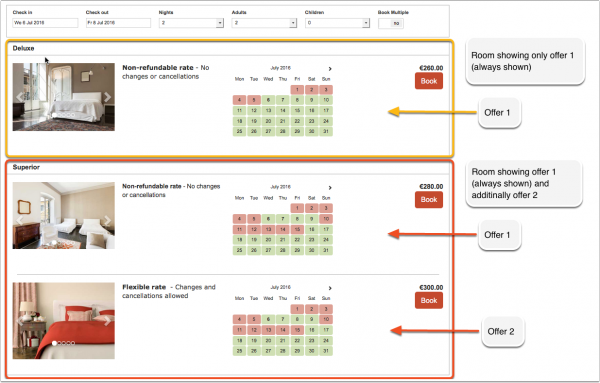
This example shows one room which shows offer 1 only (the default) and one room for which one additional offer is set up: | This example shows one room which shows offer 1 only (the default) and one room for which one additional offer is set up: | ||
Revision as of 15:53, 30 September 2016
This page is about the menu SETTINGS-> PROPERTIES -> OFFERS
An offer is the price combined with certain conditions. Each room/unit has one or more offers. "Offer 1" is your standard offer to the guest which is always displayed.
You have the option to sell a room at up to four different prices eg. packages, promotions or discounted conditional rates.
This example shows one room which shows offer 1 only (the default) and one room for which one additional offer is set up:
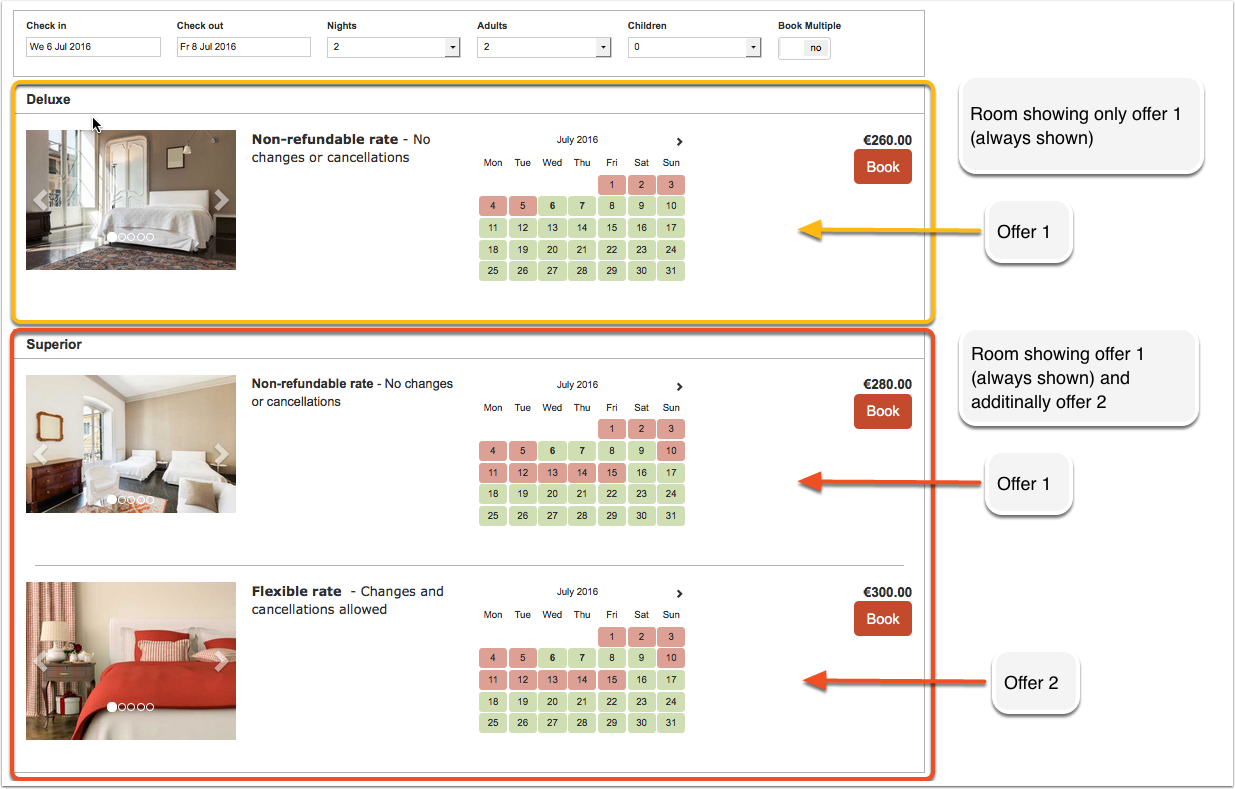
Additional offers can show your guests alternative price options for example refundable/non refundable or packages. To activate additional offers go to SETTINGS-> PROPERTIES -> OFFER 2-4.