Expedia Promotions: Difference between revisions
Jump to navigation
Jump to search
No edit summary |
No edit summary |
||
| Line 9: | Line 9: | ||
[[Image:expedia_promotion.gif|600px|link=]] | [[Image:expedia_promotion.gif|600px|link=]] | ||
[[Media:expedia_promotion.gif|view | [[Media:expedia_promotion.gif|view demo]] | ||
<span style=color:#fe746c;“ >{{#fas:exclamation-triangle}} </span> Beds24 does currently not support black-out dates for promotions. If you need to set black out dates for promotions you can set them in Expedia. | <span style=color:#fe746c;“ >{{#fas:exclamation-triangle}} </span> Beds24 does currently not support black-out dates for promotions. If you need to set black out dates for promotions you can set them in Expedia. | ||
Revision as of 10:00, 11 February 2021
Expedia Promotions
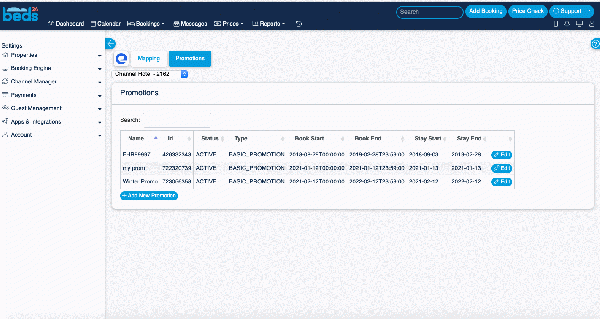
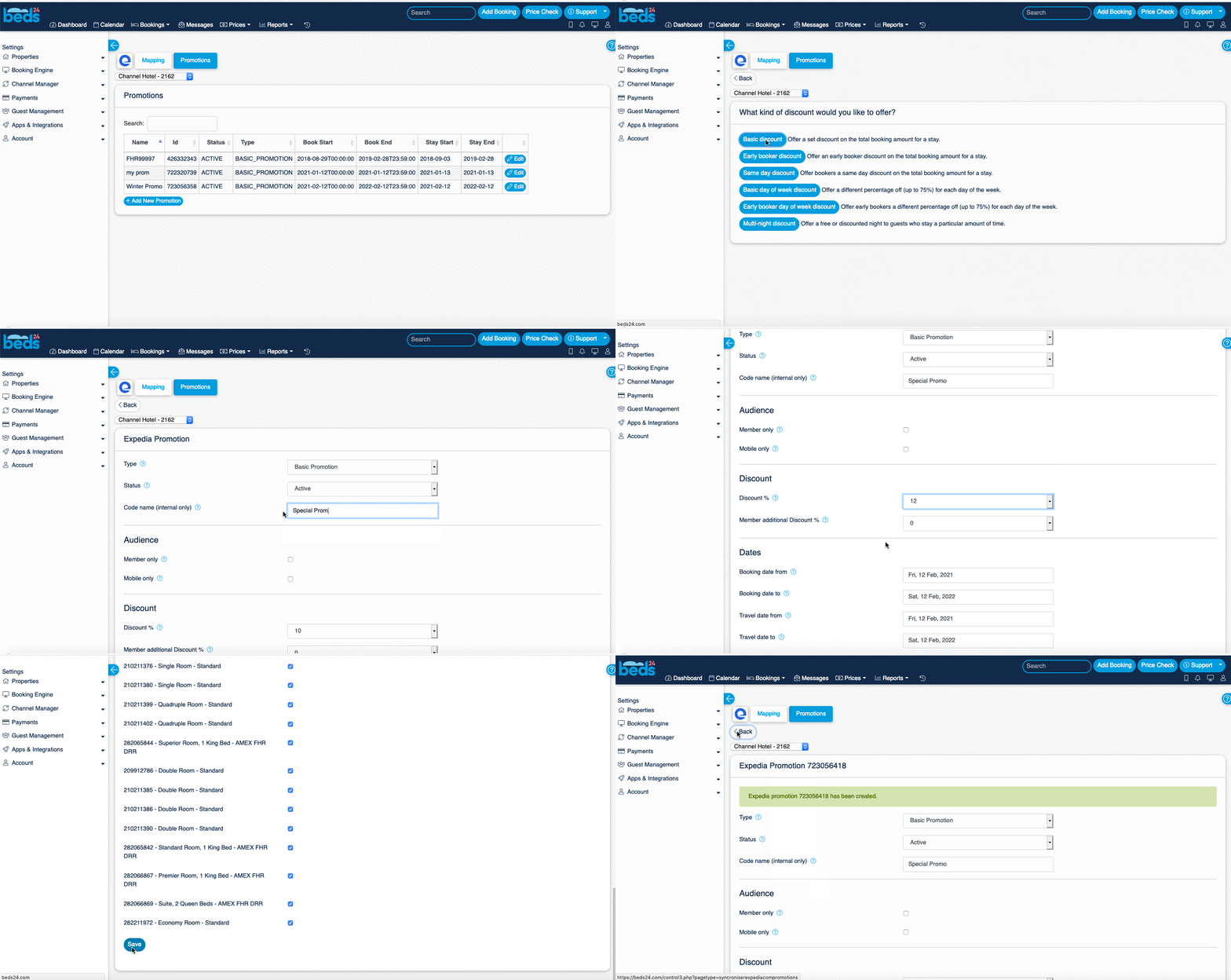
This page is about the menu (SETTINGS) CHANNEL MANAGER > EXPEDIA > PROMOTIONS and explains how to manage Expedia promotions directly in Beds24.
You can add and manage promotions directly from Beds24.
If you add or change a promotion use the context help (? icons next to the settings) for instructions.
Beds24 does currently not support black-out dates for promotions. If you need to set black out dates for promotions you can set them in Expedia.